
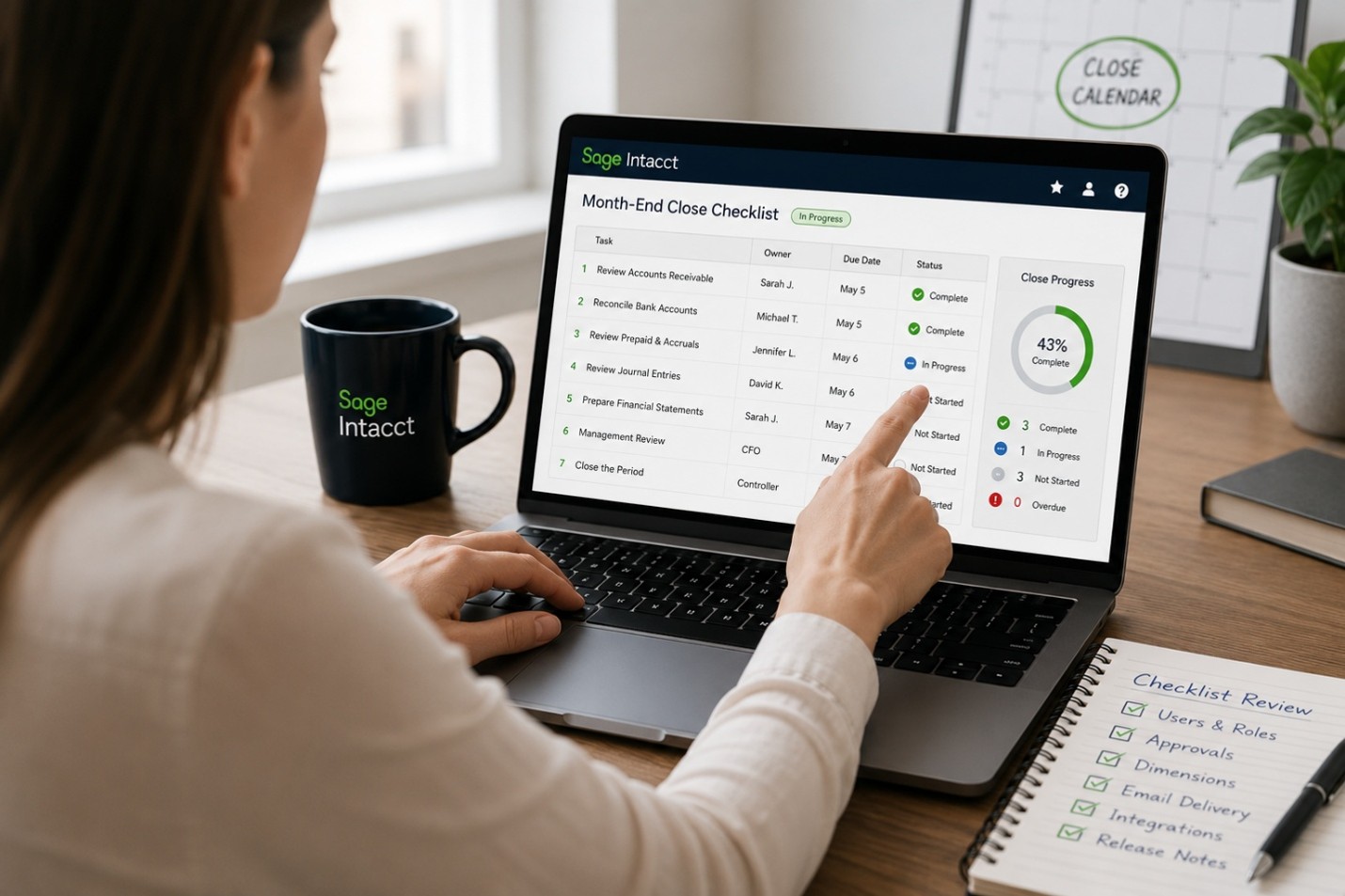
In accounting and finance, the cost of a missed step isn’t just an inconvenience. It can mean a delayed close, a compliance gap, or an audit finding that ripples across the organization. Whether you’re managing month-end close, onboarding a new employee, or preparing for an audit, consistency is everything. That’s where Sage Intacct’s Checklist feature comes in.
What are Sage Intacct Checklists?
Sage Intacct Checklists are built-in task management tools that let you create structured, repeatable workflows directly inside the system your team already uses every day. Think of them as your finance team’s playbook: a defined sequence of steps that must be completed before a process is considered done.
Unlike a spreadsheet tracker or a sticky note on a monitor, Checklists live inside Sage Intacct, tied to real users, real due dates, and real accountability.
The Problem They Solve
Ask any controller or CFO about their biggest operational headache, and you’ll hear some version of the same answer: “We have good processes, we just don’t always follow them consistently.”
The reasons vary. Staff turnover means historical knowledge walks out the door. Busy periods mean shortcuts get taken. New regulations mean old procedures need updating. And when everyone’s working fast, it’s easy to assume someone else handled a step.
Sage Intacct Checklists solve this by making your process visible, trackable, and enforced without adding administrative overhead.
Key Features That Make Checklists Work
Defined Task Sequences
Each checklist contains a list of tasks that can be assigned to specific users or roles. Tasks can be made dependent on one another, so a preparer can’t mark “reconciliation complete” until the prior step is done. This built-in sequencing prevents steps from being skipped or completed out of order.
Ownership and Accountability
Every task is assigned to a person. There’s no ambiguity about who is responsible for what. Managers can see immediately which tasks are complete, in progress, or overdue without having to chase down status updates via email.
Due Dates and Alerts
Checklists can be configured with deadlines for each task, keeping the team aligned with your close calendar or compliance timeline. When paired with Intacct Collaborate, you can share information and stay updated on statuses and deadlines in real time, directly within the checklist or assignment records.
Reusable Templates
Once you build a checklist, you can reuse it as often as needed simply by duplicating it. This is especially valuable for recurring processes like monthly close, quarterly reporting, or annual 1099 preparation. Your best-practice workflow becomes the default every time.
Audit Trail
Each completed task is timestamped and attributed to the user who completed it. That documentation is invaluable during audits or internal reviews when you need to demonstrate that your controls were followed.
A Simple Feature with a Big Impact
Checklists aren’t the flashiest feature in Sage Intacct, but they’re one of the most practical. They take your existing knowledge about how things should work and give it a home inside your financial system, where it can actually be followed and verified.
For organizations that have struggled with inconsistent closes, staff transitions, or audit readiness, Checklists can be a meaningful step toward a more controlled, scalable finance function.
Ready to put your close process on autopilot?
If you’re already using Checklists and looking to gain more functionality and insights, then Sage’s new Close Automation might be just what you are looking for. Close Automation is a set of tools designed to accelerate your period-end close. These tools include Close Assistant, Close Workspace, Subledger Reconciliation Assistant, and Variance Analysis. Within the Close Workspace, see checklists consisting of the tasks required to close an accounting period as well as the Close Progress Monitor which provides a clear, comprehensive view of your close progress. Here you can gain insights including a summary of task statuses, charts showing close progression, top overdue and upcoming tasks.
Our team at LBMC Technology Solutions helps Sage Intacct clients configure Checklists and other workflows to fit their specific processes. Contact us to learn how we can help your team never miss a step.